
Canon
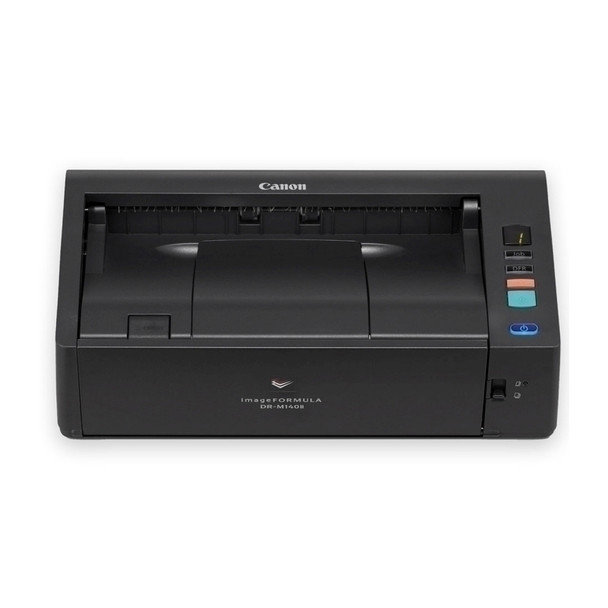
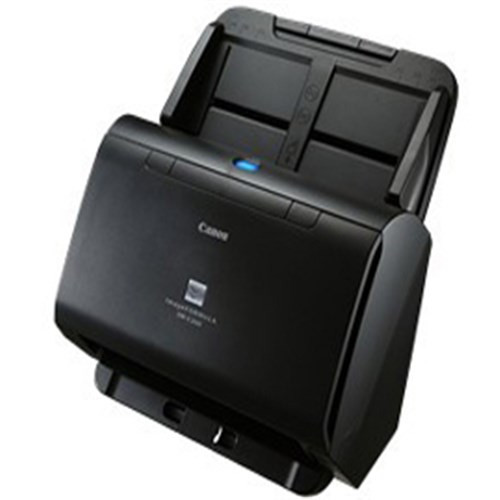
Canon DRM140II A4 Document scanner 40ppm, duplex
- SKU:
- DRM-140II



Description
Compact Desktop Scanner for a Productive Workgroup
Made for business, the imageFORMULA DR-M140II helps automate your business' information capture processes efficiently.
Features:
Desktop Document Scanner
Scan Size: A4 / LTR
Scan Speed: Up to 40 ppm (Simplex) / 80 ipm (Duplex)
Technical Specifications
Main Unit Specs
Model Name
imageFORMULA DR-M140II Office Document Scanner
Type
Office Document Scanner
Document Feeding
Automatic or Manual
Document Size
Width: 2” to 8.5”
Length: 2.126” to 14”
Long Document Mode
Up to 220”
Document Weight
U-Turn Path: 7-34 lb. Bond
Straight Path: 7-68 lb. Bond
Feeder Capacity
Up to 80 Sheets
Light Source
RGB LED
Scanning Element
One-line Contact Image Sensor (CIS)
Optical Resolution
600 dpi
Output Resolution
100/150/200/240/300/400/600/1200 dpi
Grayscale
8-bit
Color
24-bit
Scanning Modes
Color, Grayscale, Black & White
Scanning Speeds
B/W, Grayscale, Color: Up to 40 ppm / Up to 80 ipm
Interface
USB 2.0
Weight
5.7 lbs.
Dimensions (H x W x D)
3.66” X 12.32” X 7.13” (Trays Closed)
Power Consumption
24.5W or Less (Sleep Mode: 1.6W)
Suggested Daily Volume
6,000 Scans
Bundled Software
Canon CaptureOnTouch Scanning Software, ISIS/TWAIN Driver
Supported Operating Systems
Windows10 (32-bit/64-bit), Windows11, Windows Server 2012 R2, Windows Server 2016, Windows Server 2019, Windows Server 2022
Other Features
Auto Color Detection, Auto Page Size Detection, Auto Resolution Setting, Background Smoothing, Character Emphasis, Deskew, Double-Feed Release, Edge Emphasis, Folio Mode, Long Document Mode, MultiStream, Pre-Scan, Prevent Bleed-Through/Remove Background, Shadow Cropping, Skip Blank Page, Text Orientation Recognition, Ultrasonic Double-Feed Detection, User Preferences
Related Products

Fujitsu FI-7240 A4 Document Scanner duplex 40ppm, 80sht ADF
Fujitsu
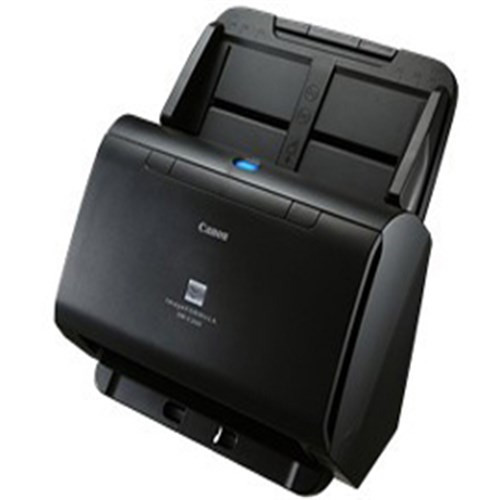
Canon DRC240 Duplex 60SHT Feeder 45PPM A4 Document Scanner
Canon


CANON DRC225II 25PPM/50IPM A4 Document Scanner USB A4
Canon